Toyota’s voice recognition system allows drivers to control navigation, phone calls, audio functions, climate settings, and connected services without taking their hands off the steering wheel. Whether your vehicle uses Toyota Multimedia, Entune, Drive Connect, or an earlier navigation system, voice commands are designed to make driving safer and more convenient.
However, many Toyota owners encounter a frustrating message:
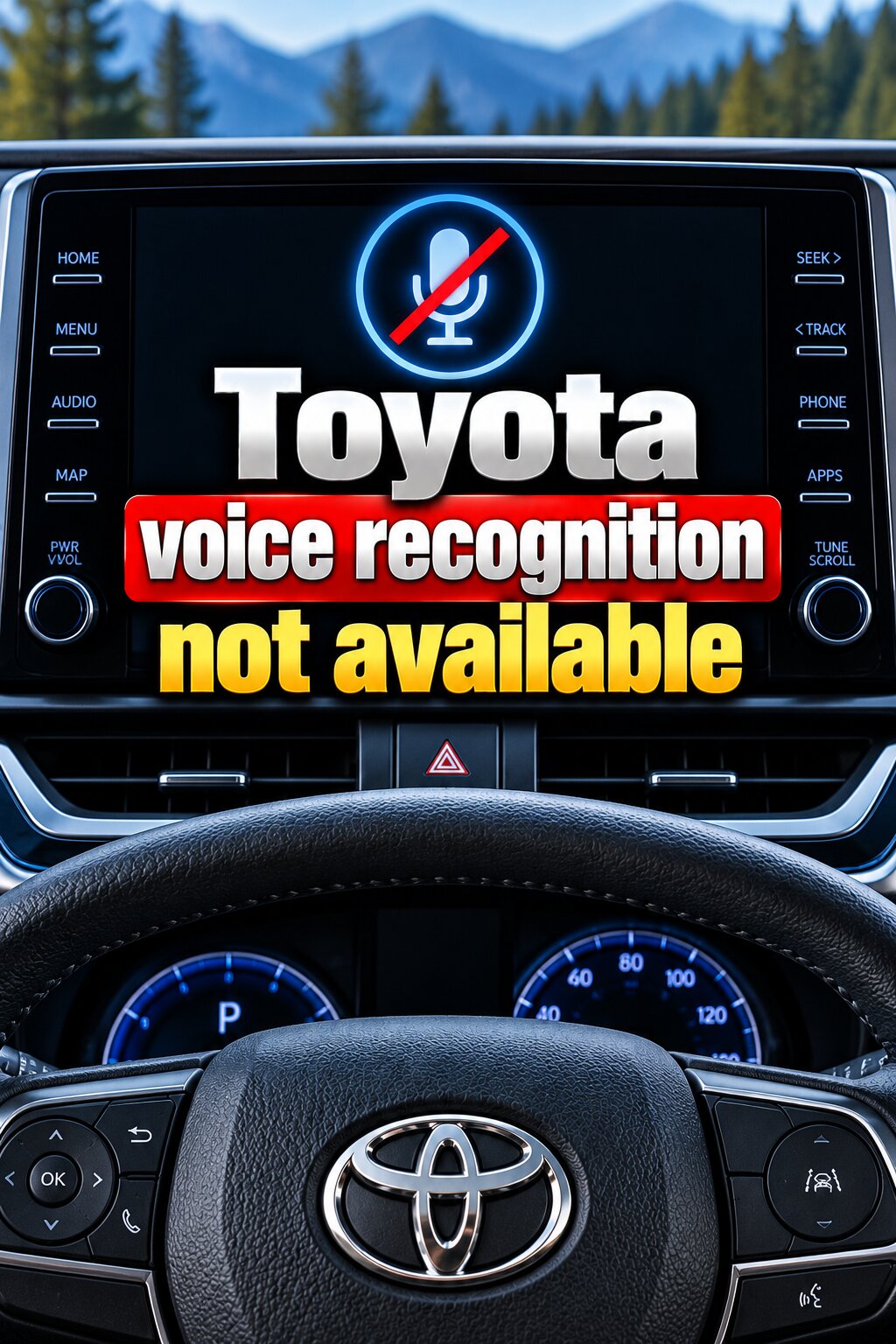
“Voice Recognition Not Available”
The message may appear when pressing the steering-wheel voice button, activating the microphone icon, or attempting to use voice commands through the infotainment system.
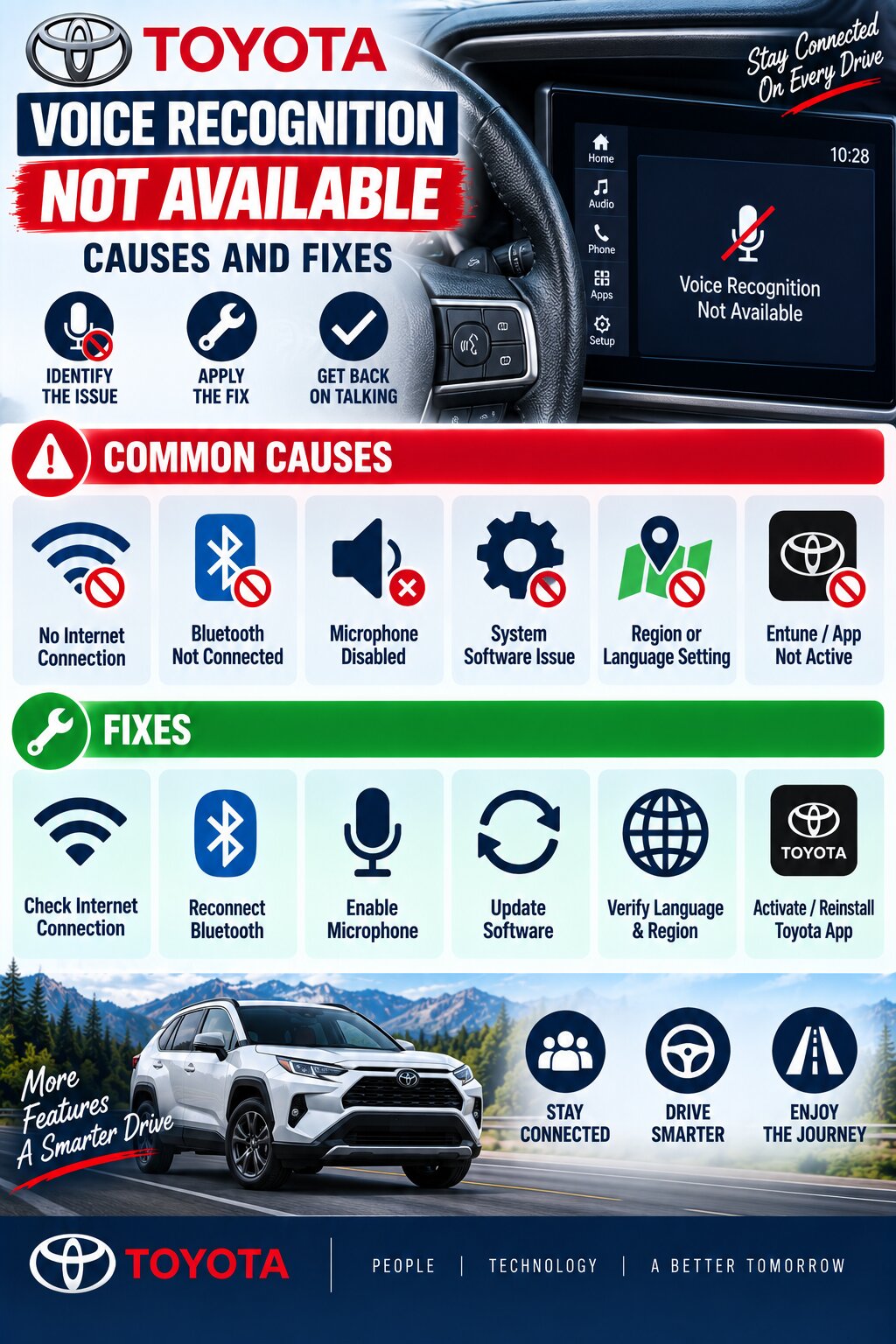
The good news is that the problem is often caused by software settings, Bluetooth issues, subscription limitations, microphone problems, or infotainment system glitches rather than major hardware failures.
This guide explains the most common causes, troubleshooting steps, model-specific issues, and repair solutions.
How Toyota Voice Recognition Works
Toyota’s voice recognition system relies on several components working together:
- Steering wheel voice button
- Microphone
- Multimedia head unit
- Bluetooth connection
- Navigation system
- Toyota Connected Services
- Cloud-based voice recognition (on supported models)
Many newer Toyota vehicles use cloud-enhanced voice recognition that improves command accuracy when connected services are active. Some voice and dictation functions require an active connected-services subscription.
If any part of the system fails, the vehicle may display a “Voice Recognition Not Available” message.
Common Symptoms
Owners commonly report:
- “Voice Recognition Not Available” message
- Voice button does nothing
- Microphone icon grayed out
- System briefly opens then closes
- Voice commands not recognized
- Voice control stopped working after update
- Voice control stopped after battery replacement
- Navigation voice commands unavailable
- Voice recognition works intermittently
- Voice system unavailable after Bluetooth connection
The symptoms often provide clues about the underlying cause.
Voice Recognition Feature Not Equipped
One of the most overlooked causes is that some Toyota models were sold with multimedia systems that do not include full voice recognition capability.
Certain Toyota navigation systems require specific hardware or premium navigation packages before voice recognition becomes available. Owners of some models have reported receiving the “Voice Recognition Not Available” message because the installed multimedia version did not support the feature.
Fix
Verify your vehicle’s equipment level by:
- Checking the owner’s manual
- Reviewing the original window sticker
- Contacting a Toyota dealer with your VIN
Software Glitch in the Multimedia System
Temporary software glitches are among the most common causes.
Like smartphones and computers, Toyota infotainment systems occasionally freeze or fail to communicate properly with connected modules.
Symptoms
- Voice recognition worked previously
- Suddenly stopped functioning
- No hardware issues present
Fixes
Restart the Infotainment System
Turn the vehicle off completely.
Wait several minutes before restarting.
Soft Reset
Many Toyota systems can be reset through the settings menu.
System Reboot
Disconnecting battery power briefly may restore operation on some models.
Software-related voice recognition issues have been documented on various Toyota multimedia systems.
Bluetooth Connectivity Problems
Bluetooth communication plays a major role in voice command functionality.
If Bluetooth becomes disconnected or improperly configured, voice recognition may become unavailable.
Symptoms
- Voice commands fail after phone connection
- Calling features unavailable
- Phone contacts inaccessible
Fixes
Remove and Re-Pair Phone
Delete the phone from:
- Vehicle Bluetooth list
- Smartphone Bluetooth list
Then reconnect from scratch.
Verify Phone Permissions
Allow:
- Contacts
- Microphone
- Voice services
Test Without Phone Connected
This helps determine whether the issue originates from the phone or vehicle.
Connected Services Subscription Expired
Some Toyota voice features depend on connected services.
Toyota documentation notes that certain natural language understanding and dictation functions require an active connected-services subscription.
Symptoms
- Advanced voice commands unavailable
- Dictation not functioning
- Navigation voice search unavailable
Fix
Check:
- Toyota app
- Toyota account
- Connected services status
Renew services if required.
Microphone Problems
The microphone is essential for voice recognition.
If the microphone cannot properly hear the driver, commands may fail or the system may appear unavailable.
Common Causes
- Dirt buildup
- Physical damage
- Water intrusion
- Wiring issues
Symptoms
- Commands never recognized
- Voice system activates but cannot hear commands
- Repeated recognition failures
Toyota service information notes that microphone performance directly affects voice-command functionality.
Fix
Inspect:
- Headliner microphone opening
- Microphone grille
- Wiring connections
Replace the microphone if necessary.
Excessive Cabin Noise
Voice recognition systems can struggle in noisy environments.
Toyota documentation notes that recognition performance may decrease when:
- Windows are open
- Wind noise is excessive
- Passengers are speaking
- HVAC fan speed is high
Fix
Try voice commands:
- With windows closed
- Fan speed reduced
- Minimal passenger conversation
Voice Recognition Disabled in Settings
Some vehicles allow voice-related features to be disabled.
Symptoms
- Voice button responds incorrectly
- Recognition unavailable
- Microphone icon disabled
Fix
Navigate to:
Settings → Voice Settings
Verify:
- Voice recognition enabled
- Voice prompts enabled
- Correct language selected
Incorrect language settings can significantly reduce recognition accuracy.
Navigation System Issues
Many Toyota voice functions interact with navigation systems.
When navigation software develops faults, voice recognition can be affected.
Symptoms
- Navigation commands unavailable
- Address searches fail
- Voice search disabled
Fixes
- Update navigation software
- Reboot multimedia system
- Check navigation SD card (if equipped)
Connected Service Communication Failure
Modern Toyota systems increasingly rely on cloud-based communication.
Toyota service information indicates that some voice recognition functions depend on connected services being available.
Symptoms
- Voice assistant unavailable
- Cloud-based search failure
- Voice search errors
Fixes
- Verify cellular connectivity
- Confirm service activation
- Check Toyota app account status
Multimedia Software Needs Updating
Toyota periodically releases software updates that improve:
- Bluetooth stability
- Voice recognition accuracy
- System reliability
Toyota technical bulletins have documented software-related voice recognition concerns in certain infotainment systems.
Fix
Visit:
- Toyota dealer
- Toyota multimedia update portal
Install the latest software version.
Problems After Battery Replacement
Many owners report voice recognition issues after:
- Battery replacement
- Dead battery
- Jump start
Why It Happens
Battery replacement can:
- Reset settings
- Interrupt module communication
- Trigger software glitches
Fixes
- Reconfigure user settings
- Re-pair Bluetooth devices
- Perform infotainment reset
Toyota App and Connected Features Issues
Certain Toyota systems use connected apps to enhance voice functionality.
Toyota diagnostic procedures specifically reference communication-based voice recognition functions and app-related voice services.
Fixes
- Update Toyota app
- Log out and log back in
- Verify account activation
Model-Specific Troubleshooting
Toyota Camry Voice Recognition Not Available
Common causes:
- Software glitches
- Bluetooth issues
- Connected service expiration
Many Camry systems support cloud-enhanced voice recognition that benefits from active connected services.
Toyota RAV4 Voice Recognition Not Available
Common issues include:
- Multimedia software faults
- Bluetooth conflicts
- Subscription-related problems
Some RAV4 owners have reported voice recognition messages related to equipment configuration.
Toyota Corolla Voice Recognition Problems
Frequent causes include:
- Microphone issues
- Voice settings misconfiguration
- Multimedia communication errors
Toyota Highlander Voice Recognition Problems
Common fixes include:
- System updates
- Bluetooth reconfiguration
- Connected services verification
Toyota Tacoma Voice Recognition Problems
Common causes:
- Multimedia software glitches
- Steering wheel control issues
- Microphone faults
Diagnosing the Problem
Step 1: Verify Equipment
Confirm the vehicle actually supports voice recognition.
Step 2: Check Settings
Verify:
- Voice recognition enabled
- Correct language selected
Step 3: Test Microphone
Attempt a phone call using Bluetooth.
Poor microphone performance often becomes obvious during calls.
Step 4: Check Bluetooth
Reconnect the phone.
Step 5: Verify Connected Services
Confirm active subscriptions.
Step 6: Scan for Diagnostic Codes
Dealer-level diagnostic tools can identify:
- Microphone faults
- Multimedia faults
- Communication errors
Estimated Repair Costs
| Repair | Typical Cost |
|---|---|
| Software Update | $0-$200 |
| Bluetooth Reconfiguration | $0-$100 |
| Multimedia Reset | $0-$100 |
| Microphone Replacement | $100-$400 |
| Wiring Repair | $150-$600 |
| Head Unit Repair | $500-$2,000 |
| Dealer Diagnostics | $100-$250 |
Actual costs vary by model and location.
Preventing Future Voice Recognition Problems
Keep Software Updated
Install available Toyota updates.
Maintain Connected Services
Keep subscriptions active if required.
Protect Microphone Area
Avoid moisture and physical damage.
Maintain Battery Health
Low voltage can trigger electronic malfunctions.
Use Proper Voice Commands
Speak clearly and naturally.
Toyota notes that speech patterns, accents, background noise, and speaking speed can affect recognition accuracy.
Frequently Asked Questions
Why does my Toyota say “Voice Recognition Not Available”?
The message can result from software glitches, disabled settings, expired connected services, Bluetooth problems, unsupported equipment, microphone issues, or multimedia system faults.
Can a software update fix Toyota voice recognition problems?
Yes. Toyota has released updates addressing voice-recognition-related infotainment issues on some systems.
Does Toyota voice recognition require internet?
Basic Toyota Assistant functions may work without internet, but some advanced cloud-based voice features require connectivity and active services.
Can Bluetooth cause voice recognition to stop working?
Yes. Bluetooth communication problems can interfere with calling and voice-command functions.
Why did voice recognition stop working after replacing my battery?
Battery replacement can reset settings and temporarily disrupt module communication.
Can a bad microphone cause this message?
Yes. A faulty microphone may prevent voice commands from being recognized properly.
Conclusion
The “Toyota Voice Recognition Not Available” message can be frustrating, but it is often caused by software settings, Bluetooth issues, subscription-related limitations, microphone faults, multimedia glitches, or communication problems rather than major hardware failures.
Most owners can resolve the issue by verifying system settings, checking connected services, reconnecting Bluetooth devices, updating multimedia software, and performing system resets. If basic troubleshooting does not restore operation, dealer diagnostics can help identify microphone, wiring, or head-unit failures before they become more expensive repairs.